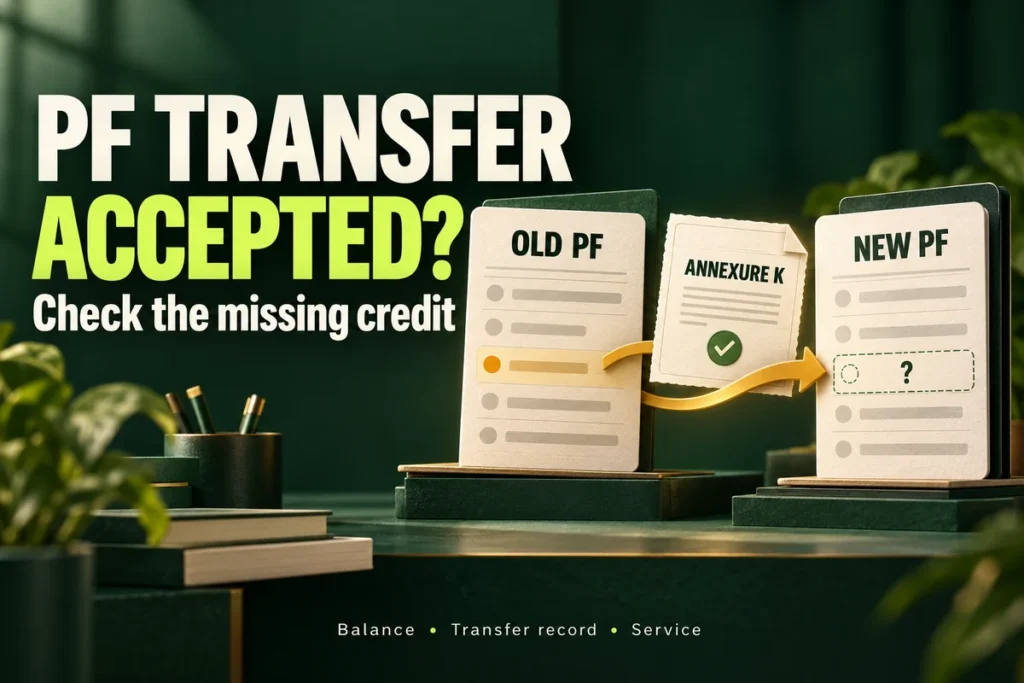
Reviewed 19 October 2026. Your PF transfer says “Accepted by field office”, but the old balance has not appeared in your new passbook. Start by matching the transfer claim, old member ID, destination member ID and Annexure K. A status label on its own does not show which entry is missing.
Quick answer: open the passbooks for both employments, look for the transfer-out and transfer-in records, and download the transfer certificate if available. Compare the destination and amount before asking EPFO to reconcile a missing credit. A job-change PF transfer moves records between PF accounts; it is different from a withdrawal paid to your bank.
PF transfer not showing in the passbook: check these records first
Make one note with the claim reference and the two employments it connects. A UAN can contain more than one employment-linked member ID, so “I checked my UAN” is not precise enough to identify the destination. Use the member ID shown on the actual transfer record.
- Save the complete claim status. Include the claim reference, claim type, submission date, latest status and date you checked it. A withdrawal and a transfer can have separate references.
- Open the old employment’s passbook. Locate the relevant outgoing transfer entry, if one is shown. Note its date and amount; do not rely only on the closing balance.
- Open the destination employment’s passbook. Search its transaction details for the corresponding incoming transfer. Confirm you have selected the intended member ID, not another earlier job.
- Compare the transfer certificate. If Annexure K is available, retain the PDF and compare its source, destination, amount and service details with your records.
- Write the remaining gap in one sentence. For example: “The old account shows an outgoing transfer, but I cannot identify the matching credit in the destination account.” This is more useful than “PF not received”.
EPFO introduced Passbook Lite inside the member portal in September 2025, while retaining the separate passbook portal for comprehensive details. If a summary does not answer the question, inspect the detailed entries. The same announcement explains online access to the transfer certificate. Official announcement: Passbook Lite and Annexure K, 18 September 2025.
Which transfer-out entry belongs to this claim?
Do the destination and amount match Annexure K?
Can you locate the matching credit and service record?
What should I do for the status I can actually see?
Open the situation that matches your evidence. These are practical checking paths, not an official list of portal codes. A single label cannot establish why an individual account is delayed.
Accepted by field office, but no incoming credit found
Confirm the destination member ID on the claim and certificate. Compare the old outgoing entry with the detailed new passbook. If the records do not reconcile, ask EPFO to confirm the transfer amount, destination posting and any unresolved action. Do not assume the money was lost, or that acceptance guarantees the current passbook display is complete.
Old PF debited, new PF still has no matching entry
Save both transaction views and their dates. Include the outgoing amount and reference in the follow-up, then ask where the corresponding credit was posted. Repeatedly comparing two total balances can hide a separate contribution or withdrawal; match the individual transfer entries instead.
Annexure K is missing, blank, or shows an unexpected amount
Retain the exact claim status and the document you can access. Ask whether the certificate has been generated and linked to the correct transfer, and request clarification of the specific field or amount. An unavailable download link does not, by itself, prove that the financial transfer failed. Do not edit the PDF to make it match your expectation.
Pending with employer or at a field office
Record the actual pending stage and ask which action remains. Do not use an old tutorial to assume that every transfer must pass through employer approval. If your own record specifically requires an employer action, give payroll the claim reference and ask about that action rather than submitting another identical request.
Rejected or returned with a remark
Save the full remark and resolve the identified record or eligibility question before reapplying. A transfer waiting for posting and a rejected application require different follow-ups. Use our EPF claim rejection checklist for the correction process, or the DOE/member-ID guide when the remark concerns an exit record.
Does every PF transfer need employer approval?
No. The January 2025 official announcement removed the need to route online transfers through the old or current employer in most cases. Therefore, “ask HR to approve it” is not a universal answer. Check whether an employer action is actually shown for your request. Official employer-routing change, 19 January 2025.
A further April 2025 reform removed a separate destination-office approval in the revamped Form 13 workflow, describing automatic transfer after source-office approval. That announced design should not be replaced with an invented fixed waiting period—or treated as proof that a particular mismatch is only a display delay. Ask about your actual posting and records. Official Form 13 reform, 25 April 2025.
How to download Annexure K for a PF transfer
Annexure K is the transfer certificate carrying PF transfer and service information. The September 2025 official announcement describes direct PDF access in the member portal. Open the relevant transfer’s details and look for its Annexure K download, where available. Official announcement of online certificate access.
Use the official EPFO member portal linked in the government announcement. Sign in there yourself. This article has no login form and does not need your UAN or documents. Menu labels and document availability can differ for the particular record.
| Item | Question to answer |
|---|---|
| Source and destination | Are these the two employment-linked member IDs you intended to connect? |
| Amount and reference | Does the relevant outgoing transfer have a corresponding incoming credit, or a specific difference requiring reconciliation? |
| Service details | Does the recorded employment period match the period you expected to carry forward? |
| Missing or inconsistent field | Can you name the exact field and attach supporting evidence through the official channel? |
Keep financial-credit and service-record questions separate. Finding a rupee credit answers one question; it does not automatically establish that every employment or pension-service field is correct. If only service details are unresolved, say so explicitly instead of asking for another financial transfer.
Example: why the closing balance is the wrong comparison
This is an invented bookkeeping example. Assume an old passbook shows a transfer-out of ₹84,000. The new account already held ₹12,000 and separately received ₹4,000 in regular contributions. If there are no other entries, a matching ₹84,000 transfer-in would make the new total ₹1,00,000:
₹12,000 opening amount + ₹4,000 separate contributions + ₹84,000 incoming transfer = ₹1,00,000.
The new total is not expected to equal the old outgoing amount. Look for the ₹84,000 transaction and its reference. If the new account shows only ₹16,000 and you cannot locate that transfer-in, document the missing entry. This arithmetic does not calculate your entitlement, interest or actual transfer value; those must come from your records.
Likewise, do not add every old passbook column together and declare that total missing. For the distinction between employee, employer and pension columns, read our EPF passbook explanation. Ask EPFO to reconcile the documented PF transfer amount and the service record on their own terms.
What if the old or new employer has an exempted PF trust?
First ask payroll whether either employment’s PF records are maintained by an exempted trust. Record the answer alongside the actual source and destination member IDs. If a trust is involved, ask its administrator which statement should show the transfer and obtain the relevant transfer record; do not infer its balance from a different account’s screen.
Bring the trust statement, transfer reference and destination details into the same comparison. Ask the record-keeper which entity can explain any missing or different entry, and whether a specific document or confirmation is required. This guide does not verify an individual trust’s records or prescribe a universal approval sequence.
A useful question is: “Which ledger should show my incoming transfer, and can you provide the transfer reference and amount?” Avoid assuming a trust transfer has a universal extra waiting period. Where source and destination records disagree, identify both in the same reconciliation request.
How to describe a missing PF transfer in an EPFiGMS grievance
EPFiGMS is EPFO’s official grievance service. It supports document attachments, status checking and reminders for pending grievances. Use the category that accurately fits your case and keep the generated registration number. We have not filed a grievance or accessed a member account on your behalf.
Prepare a short record privately: claim reference; source and destination member IDs; status and dates; relevant old and new entries; Annexure K, if available; and any earlier official response. Supply identifiers only through the secure official process, not this website’s comments.
Subject: PF transfer accepted; matching credit not identified
My transfer request [claim reference] from [source member ID] to [destination member ID] currently shows [exact status] as checked on [date]. The old record shows [relevant outgoing entry and date]. The destination record shows [what is visible]. Annexure K is [available/not available; specific discrepancy if any]. Please confirm the amount and destination posting, reconcile the missing or different entry, and identify any action required from me. Relevant records are attached through this official channel.
Adapt the template to the evidence. Do not describe a debit if the old account does not show one. If the money is already credited and only service details are missing, replace the request with the precise service-period question. For follow-up, use the existing grievance reference and any available reminder function so the earlier reply remains connected.
Common questions about a PF transfer pending or missing in the passbook
How many days after acceptance will the transfer appear?
This guide does not promise a fixed number of days from a status label. The 2025 reform describes automatic transfer after source approval, but a specific mismatch still needs record-based clarification. Save the dates and ask EPFO for the unresolved step when a credit cannot be reconciled. Online anecdotes are not a service guarantee.
Does “accepted by field office” mean money will reach my bank?
A job-change PF transfer concerns the source and destination PF records. A withdrawal credited to a bank is a different task. If your actual request is a withdrawal marked settled, use our EPF settled-but-not-credited guide.
Can I file the same transfer again to make it faster?
First establish what happened to the existing reference. A duplicate request does not explain where an earlier transfer was posted. If EPFO requires a fresh application, retain that response and make sure the underlying issue has been addressed.
Annexure K is available but the amount is zero. Is my money gone?
A zero or unexpected field needs clarification against the actual transfer record and both ledgers. It is not enough to conclude either that the money was lost or that everything is correct. Name the field and ask whether the certificate and financial posting relate to the same request.
My money is visible but Annexure K is not. Should I ignore it?
Preserve the visible credit and check the service information you need. Request the missing certificate or explanation of its availability separately. A visible financial entry and a missing downloadable document can require different questions.
Sources and review scope
Checked 19 October 2026 against the official announcements and guidance linked above, with publication checks on 20 October. The reforms are dated January, April and September 2025; they are not presented as new October 2026 rules. Document access and individual account status can vary. We have not tested an authenticated transfer or a member’s download options.
The reconciliation method, examples and message template are original educational material. The cover is an AI-generated editorial illustration, not an official portal screenshot. This article does not determine eligibility, certify a member’s balance or guarantee a completion date.