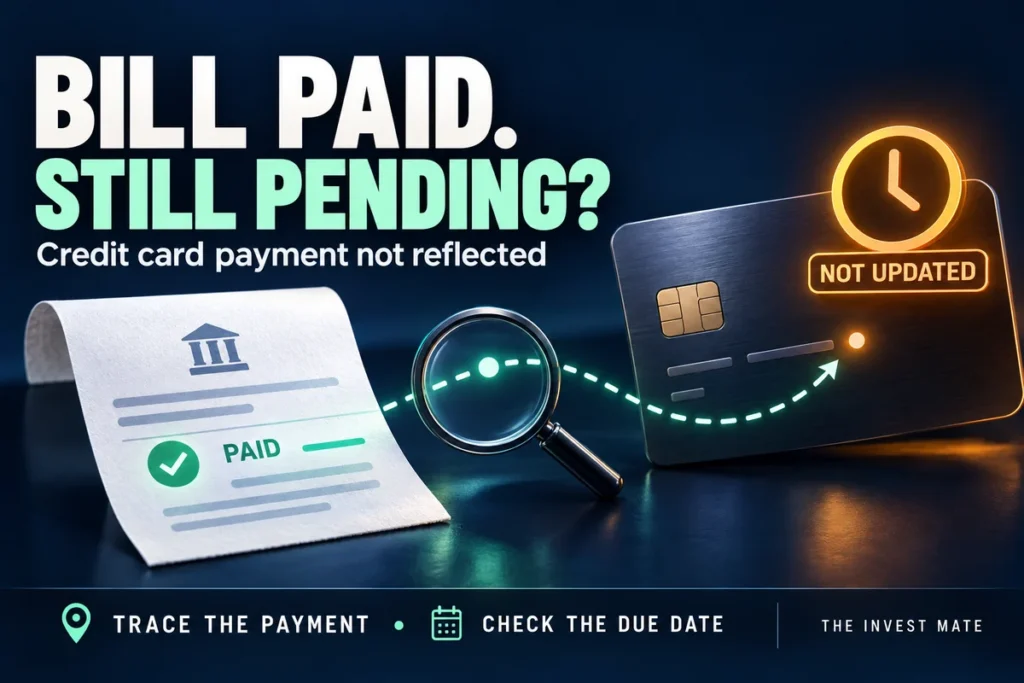
Credit card bill paid but not reflected? Open the payment receipt and the card issuer’s own account, then compare the amount, card’s last four digits and transaction reference. A bank debit, a successful payment-app status and a credit posted to the card are three separate records. If the due date is close, contact the issuer now to confirm what remains payable while the payment is traced.
You paid the bill, the money left your account, and the card still says “payment due”. The useful question is not simply whether to wait another day. It is which part of that payment has been confirmed—and by whom.
Reviewed 21 October 2026. This guide compares official issuer/app guidance and provides an original reconciliation checklist. Processing periods depend on the payment route. It does not inspect your account or promise a refund or fee reversal.
What does your payment receipt actually say?
Money sent, card not updated?
Trace the card credit →No final outcome yet?
Get the current status →Bank debited, payment failed?
Track the reversal →Credit card का bill भर दिया, फिर भी pending है? Payment receipt, bank debit और card issuer की payment entry अलग-अलग जांचें। सही card के last four digits और reference match करें। Due date पास है तो issuer से पूछें कि अभी कितना payable है; केवल app पर “successful” देखकर bill settled न मानें।
Go to: SBI/HDFC timing examples · Due date today · Trace checklist · Complaint message · Common questions.
Payment successful but credit card bill still unpaid: what to check
Start in the card issuer’s official app or website, rather than only the app used to send the payment. Look for an incoming payment entry matching your receipt. Then read its date, amount and the account it reached.
- Match the destination. Check the issuer and the last four digits shown on the receipt. This matters if you hold more than one card or recently replaced one.
- Find the incoming credit. A receipt in the sending app proves what that app recorded. Ask the issuer whether it can locate the corresponding card-account entry.
- Compare the right figures. A statement total, current outstanding and available credit are different fields. Ask which figure the app is displaying and whether it has refreshed.
- Check the route-specific period. Use the current guidance for your issuer and payment method, including cutoffs or working-day conditions.
- Trace the mismatch. Once that period has passed—or the due date is close—give the payment provider and issuer the same reference and ask for a written status.
Do not treat a static bill PDF as a live payment ledger. For example, if a PDF was generated on the 5th and your payment happened on the 10th, that earlier document cannot itself show a later receipt. Look for subsequent payment entries and the issuer’s current amount payable. If the figures disagree, ask the issuer to reconcile them.
How long does a credit card payment take to reflect?
There is no useful single “all banks take 24/48/72 hours” answer. The following are published provider examples checked on 21 October 2026, not a promise for every transaction.
| Issuer and route | Published guidance and next check |
|---|---|
| SBI Card: UPI, NEFT and PayNet | SBI Card’s payment-enquiry FAQ lists instant credit for these routes. If a payment is missing, use the issuer’s official enquiry channel with the reference. |
| SBI Card: ATM or over-the-counter | The FAQ lists two working days; it lists four working days for cheque payments. Read the current conditions for your method. |
| HDFC Bank: NetBanking or Mobile Banking | HDFC’s payment page states one day, with exceptions based on system cutoff. |
| HDFC Bank’s listed PayZapp routes | The page distinguishes same-day settlement for HDFC cards from two–four days for other-bank card bills. Do not confuse the payment platform with the receiving issuer. |
Sources: SBI Card payment-enquiry FAQ and HDFC Bank credit-card payment guidance. HDFC also directs payment-realisation queries for third-party-app payments to that provider. These examples should not be applied to another bank merely because it offers a similarly named payment method.
Payment pending: should you pay again?
A pending transaction has not given you a clear final outcome. Save its reference, check the provider’s current status and ask whether it can still complete. Repeatedly pressing “pay” can leave you with several payments to reconcile.
Whether another payment is necessary depends on the issuer’s confirmed unpaid amount, the unresolved transaction and the approaching due date. Ask the issuer how to handle those together. A blanket instruction to “always pay twice” or “just wait” ignores the very facts that decide the next step.
Payment failed but money debited: track the refund separately
If the receipt says failed, look for the reversal in the sending bank account. Keep the failed-payment reference and any separate reversal reference. A refund to your bank account and a credit to your card are different outcomes; neither should be assumed from the other.
For Google Pay bill payments, its official troubleshooting guide says the transaction detail provides the expected return or biller-credit period. If that period passes, open the transaction’s help/payment-issue route. Its published dispute window starts after 48 hours and runs within 90 days of payment. App labels can vary. That dispute window is not permission to ignore a card payment due sooner.
Use our separate UPI failed-payment refund guide if you need to distinguish a failed transfer from a failed merchant payment. Do not apply one transaction type’s refund period automatically to every card-bill payment.
The credit card due date is today. What should you ask?
Contact the card issuer through the official app, website or the number printed on your card. Explain that a payment is unreflected and give its reference. Ask four precise questions:
- Have you received or located this payment?
- What amount remains payable for this statement, as of now?
- What payment/credit date will your records use?
- If a charge or overdue entry appears while the payment is traced, how do I request its review with this evidence?
Save the case number and reply. Do not assume an app receipt automatically establishes the credit date the issuer will use. Equally, an unrefreshed dashboard alone does not establish that the payment has been lost. The issuer needs to resolve the record mismatch.
If you can pay only part of a bill, understand minimum due versus total due before deciding. Payment tracing and affordability are separate questions; this guide cannot decide what you can safely pay or guarantee that interest or fees will be waived.
A five-minute payment-tracing worksheet
Keep this record privately. Send only the requested details through the provider’s official support channel; use masked card details where sufficient.
| Record | What to write down |
|---|---|
| Card and statement | Issuer, last four digits, statement period, due date and amount due. |
| Sending transaction | App/bank, date and time, amount, reference and displayed status. |
| Bank entry | Actual debit and any later reversal, with dates. Do not use a notification alone. |
| Receiving card entry | Matching credit, posting date and updated payable amount—or “not located”. |
| Support trail | Complaint number, acknowledgement, expected next update and written resolution. |
Original example: ₹18,500 paid, card still shows ₹18,500
Suppose a cardholder pays ₹18,500 through an app on Monday evening. The bank shows a debit and the app says successful. On Tuesday morning the card screen still shows the original bill amount.
There are at least two different possibilities to investigate: the card payment has arrived but that particular display has not changed, or the issuer cannot yet find the incoming credit. The same screenshot can accompany either situation. A matching card-account entry and the issuer’s confirmed payable amount are more useful than guessing which app is “wrong”.
In this hypothetical example, the cardholder records reference A for the sending payment and case B for the issuer enquiry. If the sending provider later confirms a reversal, that becomes a third entry in the worksheet. The original card bill still needs its own settlement confirmation. The example illustrates reconciliation; it does not set a universal processing deadline.
Copy-and-adapt complaint: payment debited, card not credited
Subject: Credit-card bill payment not reflected — trace request
I paid [amount] on [date/time] through [provider/method] for [issuer, last four card digits]. Payment reference: [reference]. The sending bank shows [debit/reversal status]; the provider shows [status]. The card account currently shows [entry/amount payable]. The statement due date is [date].
Please trace this payment, confirm whether it was received and the applicable credit date, and explain what remains payable while the enquiry is open. Please provide a complaint number and written status. Relevant masked receipt and account entries are attached.
Use the same chronology with the sending provider, asking whether the payment reached the intended biller or was reversed. This makes replies easier to compare. Do not post the completed template or unmasked statement in this website’s comments. Support does not need your OTP, PIN or CVV to read a payment reference.
If the first response does not address the missing entry, follow the issuer/provider’s published grievance process. For an eligible unresolved complaint against a regulated entity, consult the current requirements on RBI’s Complaint Management System. Eligibility and prior-complaint conditions apply; this is not an instant refund service.
Questions people ask when a card bill still says pending
My app says successful. Is the credit card bill definitely paid?
Check the issuer’s matching payment entry and confirmed payable amount. The app receipt is important evidence, but an unreflected payment needs reconciliation with the receiving card account.
HDFC credit card payment is not reflecting. Is one day always enough?
HDFC lists one day for its NetBanking/Mobile Banking routes, with cutoff exceptions. Other routes differ. Identify how you paid, check its current terms and ask the relevant provider to trace a payment outside the stated period.
SBI credit card UPI payment is missing even though the FAQ says instant.
Match the card and transaction reference, check the card ledger and raise an official payment enquiry. “Instant” in a general FAQ does not resolve an individual missing-payment record.
Does a new available limit prove that the statement is fully paid?
Ask the issuer to confirm the statement’s remaining payable amount. A credit-limit display alone is not a complete reconciliation of payments, purchases, holds and charges.
What if I paid the wrong card?
Contact the payment provider and issuer promptly with the receipt and actual destination details. Ask what recovery or correction route applies. Do not assume the payment can be cancelled, automatically moved or guaranteed returned.
I paid twice. Will the extra money come back automatically?
First confirm that both payments reached the same card. Ask the issuer how it handles that credit balance and whether a refund request is needed. Keep both references rather than treating the second payment as a replacement for the first.
Will this delay reduce my CIBIL score?
A pending screen is not a credit report. Resolve the actual payment/credit-date records with the issuer. If a later report contains an incorrect entry, use the evidence to request correction through the issuer and the credit-report dispute process.
Is this the same as a cancelled purchase with an EMI still active?
No. That concerns a merchant refund and an instalment plan. Use our cancelled-order credit-card EMI guide for that different task.
Editorial note: Independently written educational guide by The Invest Mate, using the official sources linked above. Provider timing examples and Google Pay support guidance were checked on 21 October 2026. Illustrations and examples are explanatory, not customer case studies or bank endorsements.